
ASK GOD App Review: Bible Verses on Your Lock Screen That Actually Stick
I’ll be honest. I’ve downloaded more “daily devotional” apps than I can count over the past few years. Some lasted a week. Most lasted a day. Two of them lasted long enough that I forgot they were even on my phone until a storage warning forced me to clean house. So when I came across **ASK GOD**, an app whose entire pitch is “Bible verses on your lock screen. Swipe to refresh,” I went in skeptical. After three weeks of using it as my actual daily driver, I’m writing this review because I genuinely think this is the first scripture app that has matched the way I actually use my phone instead of fighting against it.
This is going to be a long one. Let’s get into it.
The Pitch in Plain Language
Here’s what ASK GOD does in one sentence: every time you pick up your phone, there’s a Bible verse waiting for you on the lock screen, and if you don’t connect with that one, you swipe and get a new one.
That’s it. That’s the whole product.
There’s no streak counter trying to guilt you into opening the app. There’s no plan to follow, no chapter you fell behind on, no notification at 7:00 a.m. that you’ve been ignoring for six days. It is the simplest, most disarmingly minimalist take on Bible content I’ve seen, and the simplicity is exactly why it works.
First Impressions and Setup
Setup took me under two minutes. I downloaded it, granted lock screen permission, picked a translation preference, and that was the entire onboarding. There was no account creation gauntlet, no email harvesting, no “tell us about your faith journey” questionnaire that turns into a sales funnel. I was a little suspicious at how fast it all happened — modern apps have trained me to expect six screens of friction — but ASK GOD just got out of my way.
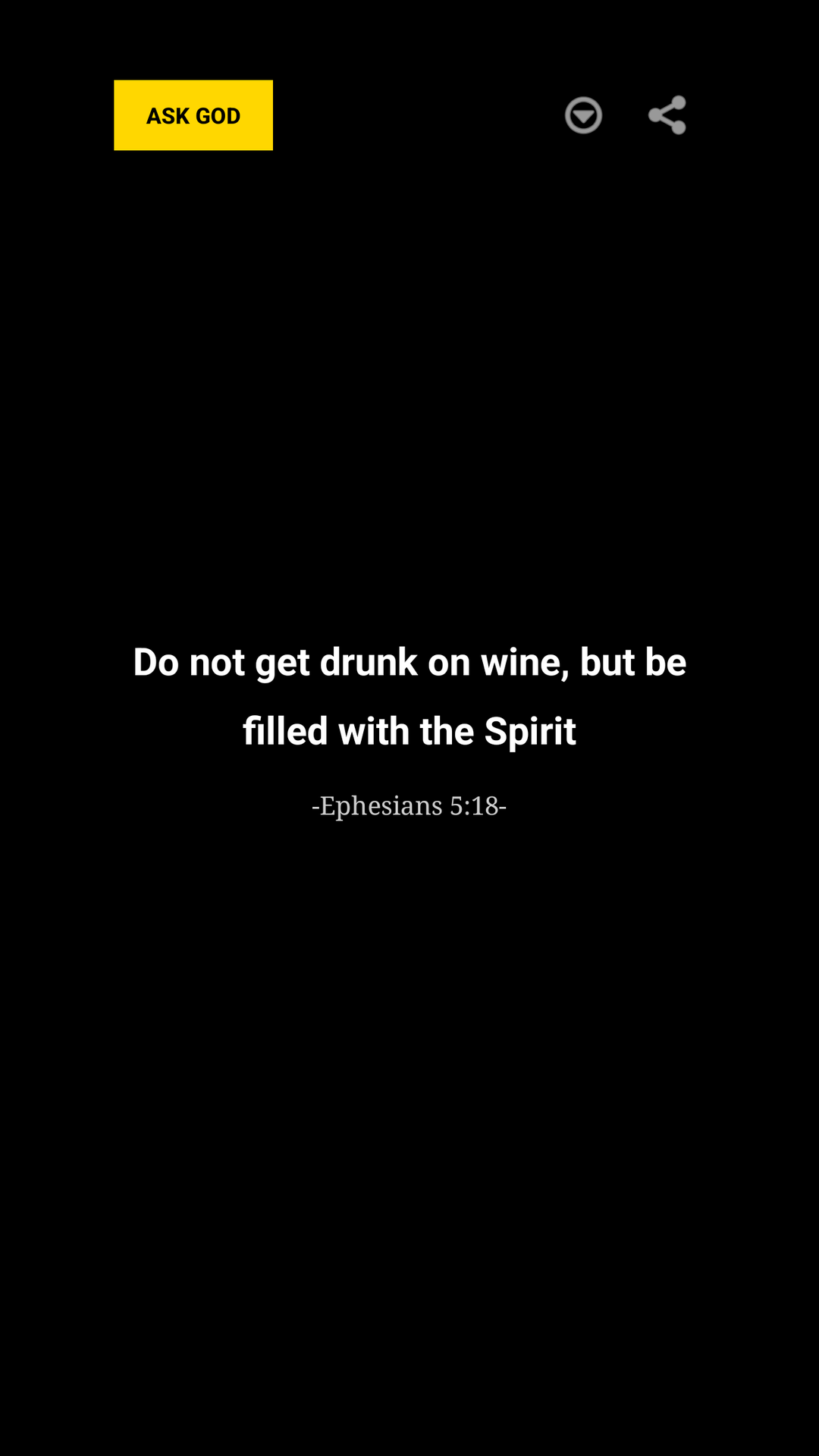
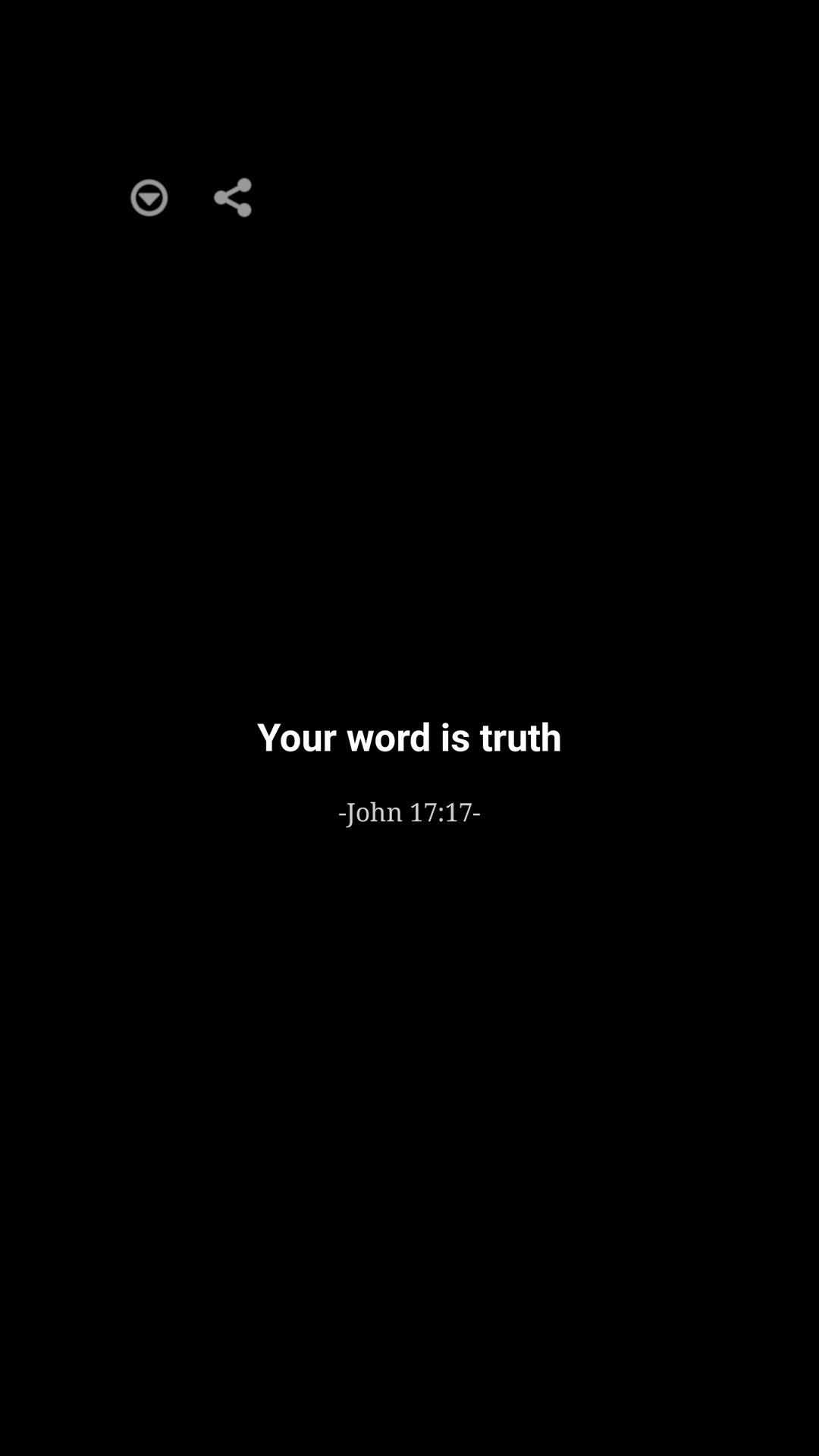
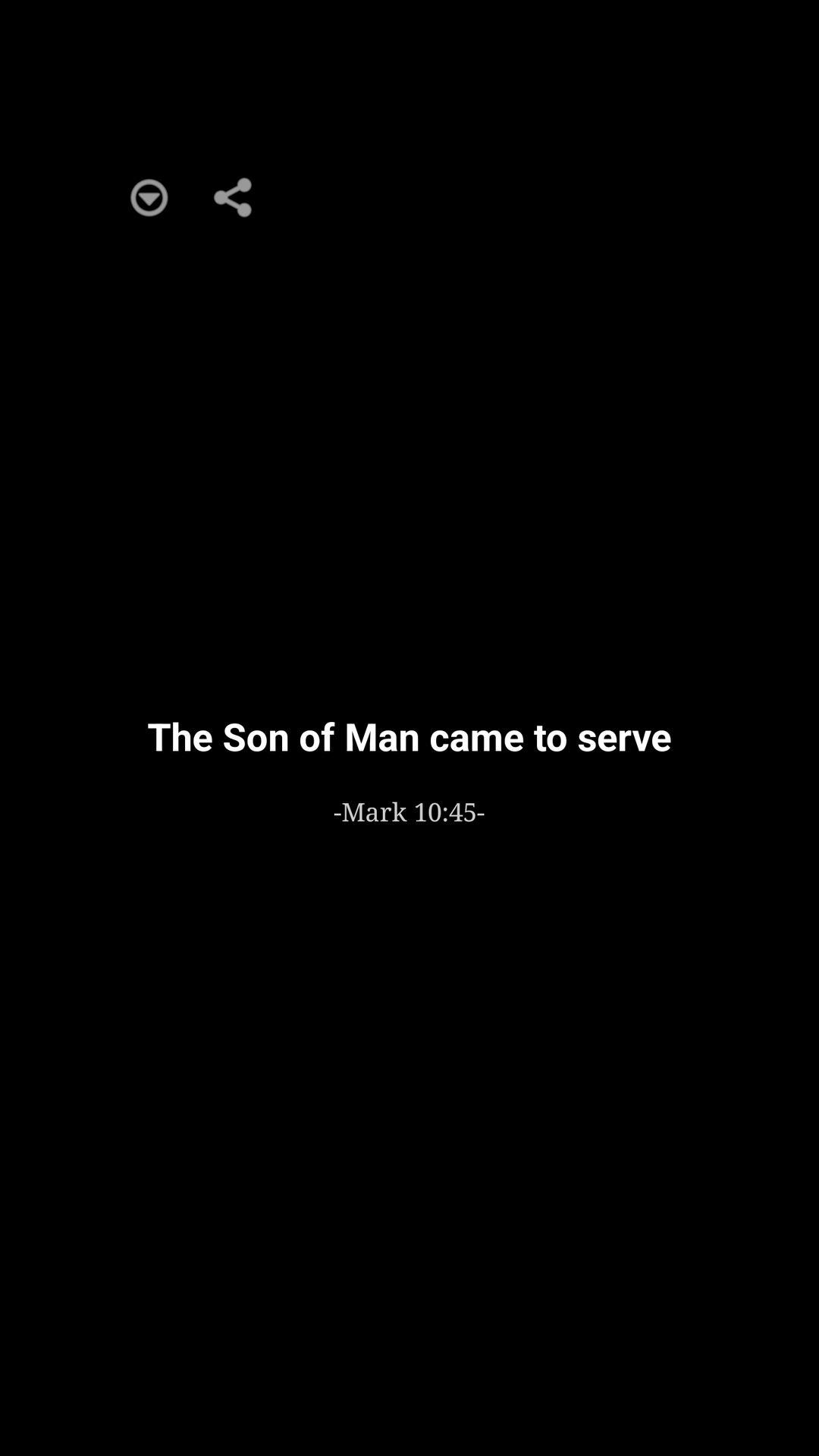
The first verse popped up on my lock screen within a few seconds of finishing setup. The typography is clean. Readable serif for the verse, smaller sans-serif for the citation. Nothing screams. Nothing flashes. It looks like it belongs there next to the time and the date.
The Core Feature: Lock Screen Delivery
This is the headline feature, and it’s also the philosophical heart of the app.
The average person checks their phone somewhere between 50 and 150 times a day. Whatever the exact number is, it’s a lot. Most of those checks are reflexive: you reach for your phone the way you reach for a coffee cup. Traditional Bible apps require you to interrupt that reflex with intention — open the app, navigate to the daily reading, scroll past a banner ad for a marriage retreat, and read the passage. The friction is small but it compounds. Day three you forget. Day five you uninstall.
ASK GOD inverts the model. You don’t go to the verse. The verse meets you where you already are.
I caught myself reading verses while I was waiting in line at the grocery store. While I was sitting in my car about to drive somewhere. In bed before I even got up. On the couch while my coffee was brewing. None of those moments would have ever produced an “open the Bible app” decision, and yet they ended up being scripture moments because the verse was already in front of me.
Swipe to Refresh: The Quiet Genius
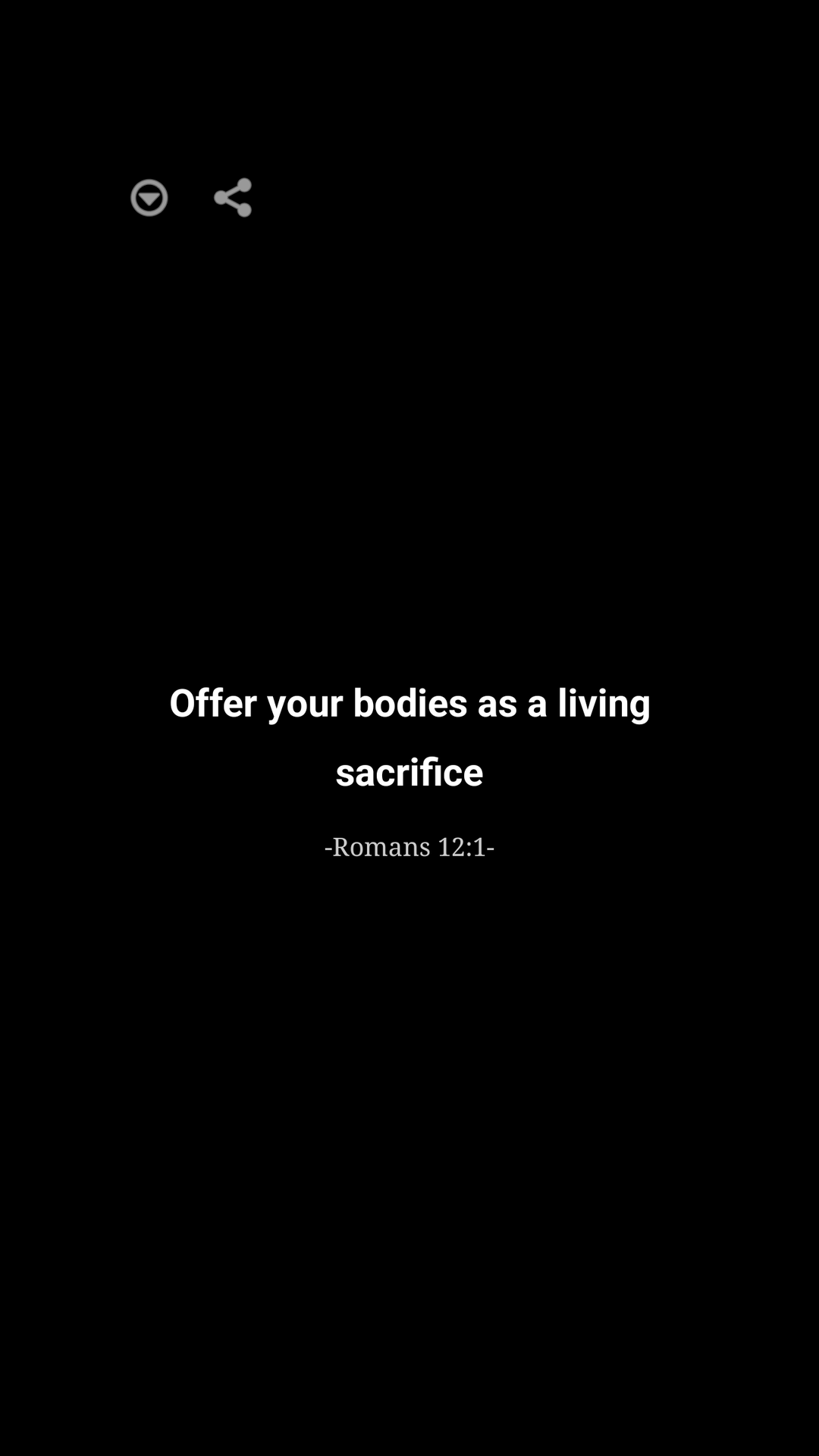
The other half of the design is the swipe gesture. If a verse doesn’t speak to you in a given moment, you swipe and a new one appears. That’s it.
This sounds trivial. It is not trivial.
Most Bible apps treat the daily verse as a fixed assignment. You get one. If it’s the third time this month you’ve seen “I can do all things through Christ who strengthens me,” tough — that’s your verse. ASK GOD treats each lock screen interaction as an invitation, not a homework assignment. Don’t connect with this one? Swipe. The next one is right there.
What I noticed after about a week is that this changed the *posture* with which I read the verses. Because I knew I could swipe past one, I actually slowed down on the ones that landed. I wasn’t just consuming the daily content and checking a box. I was waiting for something to hit, and when it did, I’d let it sit there on my screen until I’d read it three or four times. The very freedom to swipe past made me less likely to skip.
Key Features Worth Calling Out
Zero-Friction Reading
There is no app to open. There is no folder of devotionals to navigate. The verse appears on the lock screen the same way the weather widget does. If “I just don’t have time” has been your reason for not engaging with scripture, this app removes that excuse without any effort on your part.
Translation Preferences
You can pick your preferred Bible translation in settings. I went with NIV but the usual lineup is there. If you’ve got opinions about translations, your opinions are respected.
Quiet by Default
No streaks. No badges. No “you haven’t read your Bible in 4 days” guilt notifications. Apps that gamify spirituality have always made me uncomfortable, and ASK GOD seems to have decided, deliberately, not to do any of that. The reward for reading a verse is the verse itself.
Light Battery and Storage Footprint
Three weeks in, the app shows essentially zero impact on my battery. It’s not running expensive background processes. It’s not pinging servers constantly. It’s the kind of app that just sits there and does its one job.
Privacy
I didn’t have to give it my email, my phone number, my church affiliation, or my soul. There’s no social feed, no friend list, no “share this verse to your story” pressure. If you’ve grown weary of every app trying to convert itself into a social network, this one isn’t trying.
How I Actually Use It
Let me walk you through a normal day.
I wake up around 6:30 and reach for my phone to turn off the alarm. There’s a verse on the screen. I read it. Sometimes I read it twice. Sometimes I swipe and read another one. Sometimes I screenshot it because I want to come back to it later.
Mid-morning, I check my phone for an email and there’s a different verse. I’m not in “Bible time” — I’m in “checking email” mode — but the verse catches me anyway. Half the time I read it, half the time I dismiss into the email. That’s fine. The point is that the verse is *there* if I want it.
Lunch break, traffic light, ten seconds before a meeting starts, last thing before bed — these are the moments where ASK GOD does its work. They are moments I wasn’t going to spend opening a Bible app. They are moments where, with the app installed, I sometimes do something better with thirty seconds than I would have otherwise.
Use Cases and Who Benefits Most
The Person Who Wants Scripture Habits but Keeps Failing
This is the obvious one. If you’ve started and abandoned a “read the Bible in a year” plan more than twice, ASK GOD removes the part that you keep failing at: the discipline of opening the app. There is no opening. There is just looking at your phone, which you are already doing.
The Commuter
Sitting on a train. Sitting in a passenger seat. Walking with a coffee. These are tiny pockets of time where you naturally glance at your phone. ASK GOD turns those glances into micro-devotional moments.
The Parent of Young Kids
If you have small kids, you don’t have a sit-down quiet time. You have stolen seconds while they’re occupied with cereal. A lock screen verse fits inside those seconds. A 30-minute devotional doesn’t.
The Believer Going Through a Hard Season
When you’re walking through grief, anxiety, or burnout, sometimes you can’t muster the energy to seek out scripture even when you know you need it. Having scripture come find you instead of the other way around is genuinely meaningful in those seasons.
The Casually Curious
If you’re not a regular church-goer but you’re curious about scripture, ASK GOD is a remarkably low-pressure way to encounter the text. There’s no community, no commitment, nobody asking you to volunteer for the parking team. Just the words.
The Spiritually Mature Looking for Reminders
Veterans of the faith sometimes don’t need more content — they need more reminders of what they already know. ASK GOD is a passive nudge for people who have already done the deep study and just want the verse to come around again, randomly, when they need it.
Who Probably Won’t Love This App
I’ll be balanced about this. This app is not for the deep study person. If you want commentary, cross-references, original Greek and Hebrew, study plans, or a robust note-taking system, ASK GOD is not your tool. It’s not pretending to be. It does one specific thing — surface verses on your lock screen — and it does that thing very well, but it stops there.
If you need community features, a reading plan with friends, or sermon integration, you’ll want one of the bigger Bible app platforms. ASK GOD is a complement to those, not a replacement.
What I’d Like to See Next
A few things on my wishlist after three weeks of use:
– **Themes by season:** verses tuned to Lent, Advent, and Holy Week would be a nice touch.
– **Topical filters:** when I’m anxious, I’d love a way to weight the rotation toward verses about peace and trust without losing the surprise factor entirely.
– **Save and revisit:** a quiet way to bookmark a verse that hit hard, without turning the app into a journaling product.
– **Widget variants:** an optional always-on home screen widget for those who don’t lock their phone often.
None of these are dealbreakers. The app works fully without them.
The Verdict
ASK GOD is the rare app where the simplicity isn’t a limitation — it’s the entire point. By refusing to be more than it needs to be, it actually does more for me than the bigger, more feature-rich Bible apps I’ve tried over the years. It meets me in the gap between picking up my phone and unlocking it, which is a gap I open hundreds of times a day, and it turns those microseconds into something I can carry with me.
If you’ve ever wished you had a more consistent rhythm with scripture and you’ve tried the standard playbook of plans and reminders and failed, give this one a shot. It asks almost nothing of you. That, paradoxically, is why it might end up being the one that sticks.
**Recommended.**
—
I drafted this in the chat rather than saving to a file since the write was not auto-approved. Let me know if you’d like me to save this to `D:\ask\blog\` (and what filename you’d prefer), or adjust the tone, length, or angle.